Instructor Patrick Grimwood
Could you briefly explain what 3D animation encompasses and why it is relevant today, particularly in the face of AI automation?
3D animation encompasses a variety of things, from building 3D models of characters, objects, and environments, to producing textures and materials for skin, hair, clothes, and any accessories that might be required. It involves creating control rigs and syncing them with a 3D mesh (imagine a digital skeleton being built inside the mesh of the 3D model, with controllers that enable the animator to manipulate the model), developing lighting solutions, and planning out camera angles. And all of that before you even get to start animating! 3D animation is used around the world across a wide range of industries, most obviously in cinema and video games but it is also a tool used in education, research, health care and more. With the growth of AI automation, having skills relating to 3D animation will make an artist more attractive to employers, better equipping them for a variety of roles whether they choose to work independently or in a studio, and can lead to opportunities they may otherwise miss.
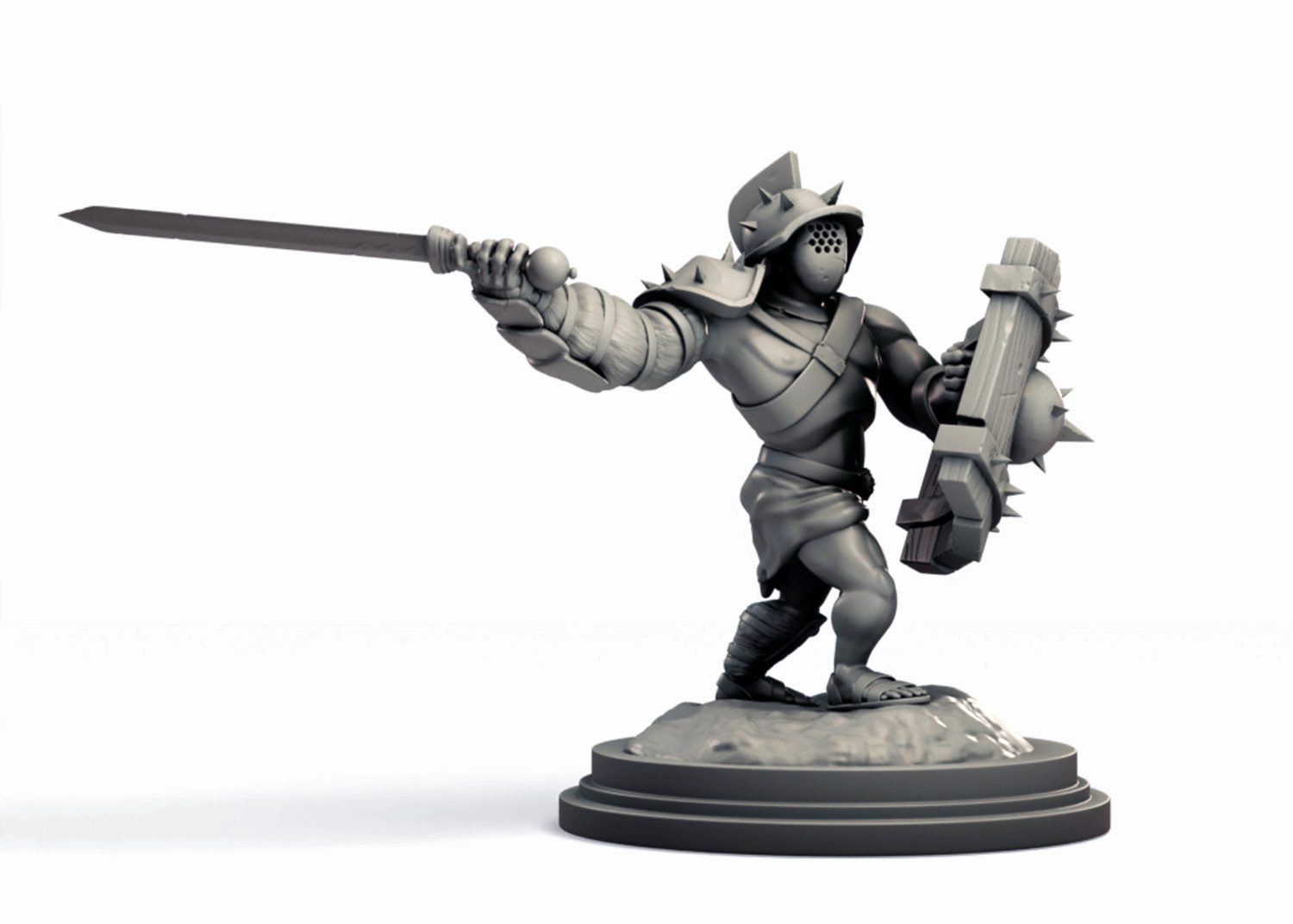
Character created in Blender. © Patrick Grimwood
What kinds of things do you teach in these courses?
The 3D Animation Studio 1: Introduction to Blender course is designed for beginners and covers a broad range of topics. On top of learning the Blender software, participants get a chance to create low poly and high poly 3D models and learn how to unwrap a 3D mesh in order to add textures. We explore how to create materials in Blender, build lighting solutions, add and operate cameras within the digital 3D scene, and produce a basic character rig ready for animating. Participants are introduced to Blender’s animation features and produce several animations using key framing and graph editors, which they then render out to video. I also touch on additional features included in Blender such as physics and particle systems, and compositing.
The 3D Animation Studio 2: Intermediate Blender course is intended for people who are familiar with Blender or have experience with similar 3D graphic design or animation software. The goal of the course is for the students to build a more complex character from scratch and create a unique animation, either in a completely 3D modeled environment or by mixing the 3D animation with live action video footage. We explore 3D sculpting and advanced modeling techniques, and how to use a variety of mapping layers and alpha brushes to add realistic details. Students practice building IK and FK rigs for animating, and of course, design and produce their own character animation. On top of this, they will learn about post process compositing, motion tracking and adding CGI to live video footage, and other fun special effects. Both of these courses cover a lot of content and can be challenging, but students develop real skills and have fun in the process.
Who could benefit from taking courses in 3D animation?
Everyone? I’m biased because I love it but over the years—I have been doing this since 2012—I have seen professionals and hobbyists take this class, landscapers, ocean topography researchers, retirees, automotive specialists, police crime scene investigators, graphic designers, junior artists and art directors, computer wizards and people who know just enough to send an email. Basically, everyone is welcome if they have a spark of interest and the initiative to jump in.
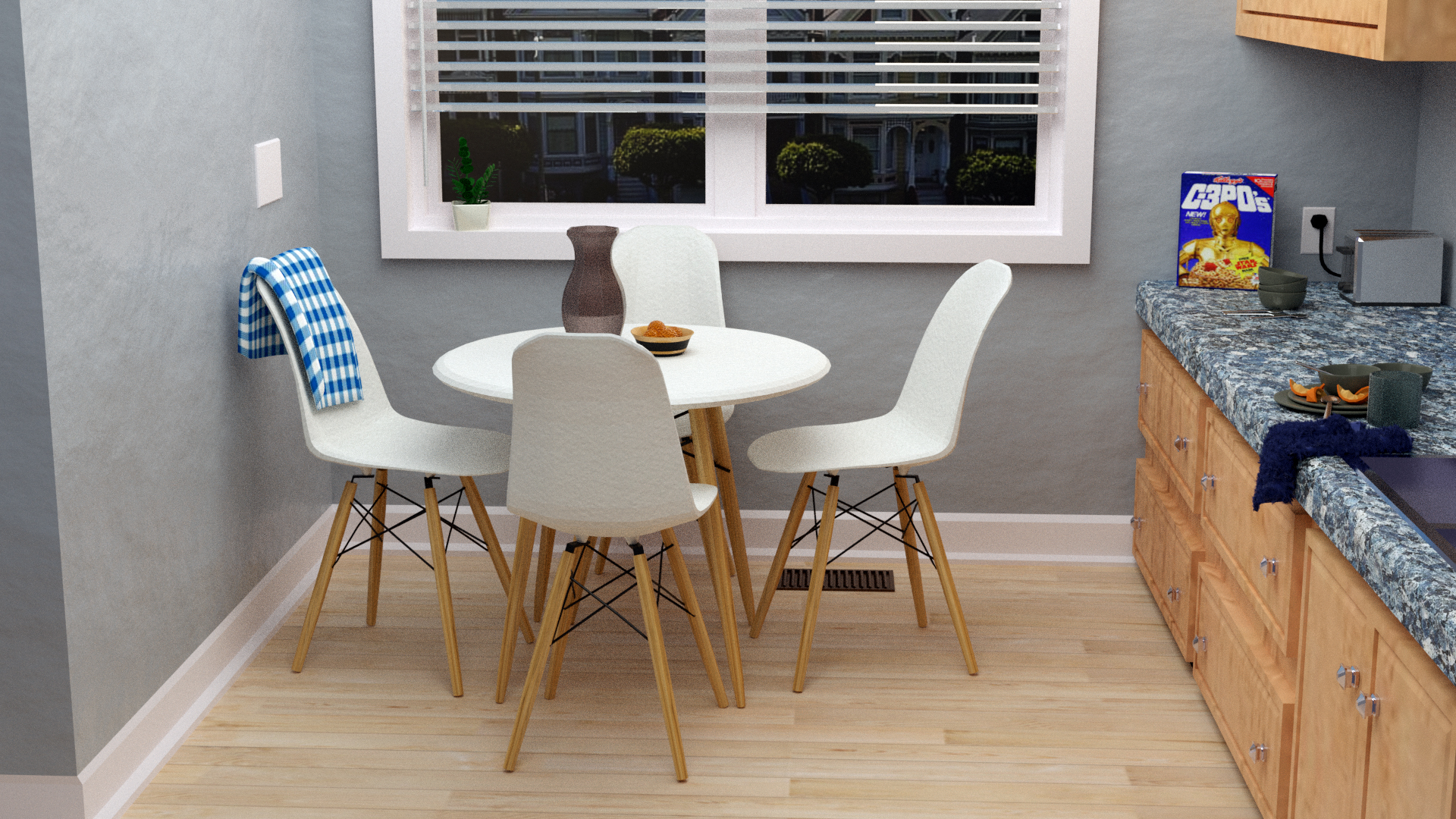
Kitchen environment created in Blender. © Patrick Grimwood
What defines a good 3D animation?
A good 3D animation can be defined by how well it tells a story; how it draws an audience in, holds their attention, and makes them care about what is happening.
What are some upcoming projects you are working on or looking forward to developing?
My current creative outlet is 3D modeling for 3D printing. I have been digitally sculpting characters and modeling terrain and objects in Blender that can be used for tabletop gaming and have been printing helmets and costume pieces for my kids. They are interested in making 3D designs of their own so I have introduced them to TinkerCAD and am having fun watching them develop their skills. They’re almost ready to make the jump to Blender. A future project I am looking forward to is the opportunity I was granted this year to coach a middle-school team in 3D design for the upcoming Peel Skills Challenge. I haven’t coached in a competition like this before and am excited to be a part of it.